作ったJAVAを実行
オンラインエディタ(外部サービス)を使う

サイトを開く
サイトにアクセスします。
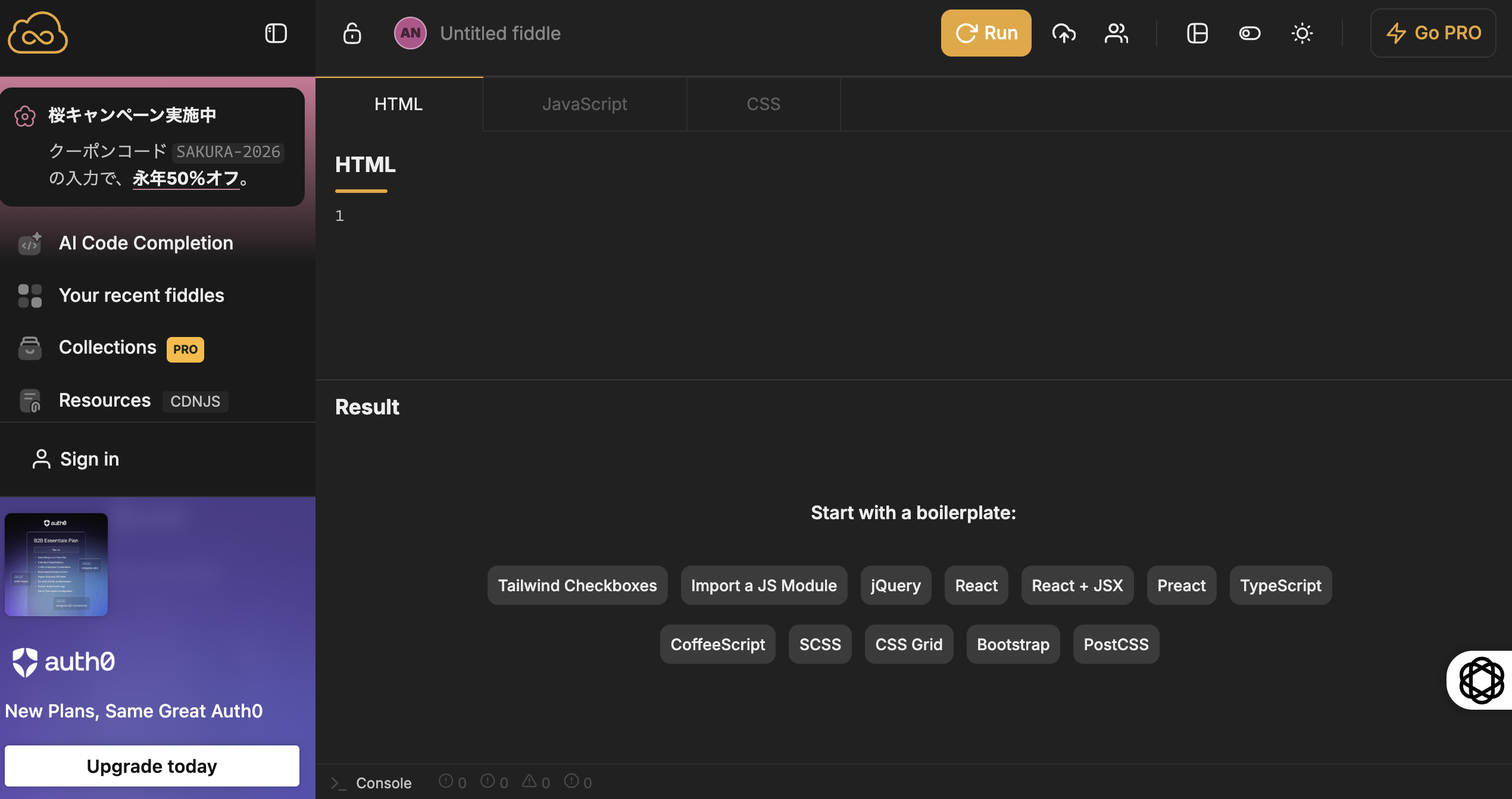
練習:次のコードを貼り付けてみましょう。
シュミレーションHTML(swinby.html)
スイングバイシュミレーションプログラム
<!DOCTYPE html>
<html lang="ja">
<head>
    <meta charset="UTF-8">
    <meta name="viewport" content="width=device-width, initial-scale=1.0">
    <title>宇宙船スイングバイシミュレーション</title>
    <style>
        canvas {
            border: 1px solid black;
            display: block;
            margin: 0 auto;
        }
        #controls {
            text-align: center;
            margin-top: 10px;
        }
        button {
            padding: 10px 20px;
            font-size: 16px;
        }
        label {
            font-size: 16px;
            margin-right: 10px;
        }
        input[type="range"] {
            width: 200px;
        }
    </style>
</head>
<body>
    <canvas id="spaceCanvas" width="800" height="600"></canvas>
    <div id="controls">
        <button id="startButton">スタート</button>
        <button id="stopButton">ストップ</button>
        <button id="resetButton">リセット</button>
        <div>
            <label for="speedSlider">宇宙船の速度:</label>
            <input type="range" id="speedSlider" min="0.1" max="5" step="0.1" value="2">
            <span id="speedValue">2</span>
        </div>
        <div>
            <label>実際の速度:</label>
            <span id="actualSpeedValue">0</span>
        </div>
    </div>
    <script>
        const canvas = document.getElementById('spaceCanvas');
        const ctx = canvas.getContext('2d');

        // 中心の星(仮想的な中心点)の設定
        const centerStar = {
            x: canvas.width / 2,
            y: canvas.height / 2,
            radius: 20,
            mass: 100000
        };

        // 惑星の初期設定
        const planet = {
            x: canvas.width / 2 + 200, // 初期位置を中心から離す
            y: canvas.height / 2,
            radius: 20, // 惑星のサイズを小さくする
            mass: 10000,
            orbitRadius: 200, // 公転半径
            orbitSpeed: 0.02, // 公転速度(ラジアン/フレーム)
            angle: 0 // 公転角度
        };

        // 宇宙船の初期設定
        const spaceship = {
            x: 100,
            y: 100,
            radius: 5,
            vx: 2, // 初期速度
            vy: 0,
            mass: 1
        };

        const G = 0.1; // 重力定数(シミュレーション用)

        let animationId = null; // アニメーションIDを保持する変数
        let isRunning = false; // アニメーションの実行状態を管理するフラグ

        // 速度スライダーの要素を取得
        const speedSlider = document.getElementById('speedSlider');
        const speedValue = document.getElementById('speedValue');
        const actualSpeedValue = document.getElementById('actualSpeedValue');

        // スライダーの値が変更されたときのイベントリスナー
        speedSlider.addEventListener('input', () => {
            const speed = parseFloat(speedSlider.value);
            spaceship.vx = speed; // 宇宙船の速度を更新
            speedValue.textContent = speed; // 表示を更新
        });

        // 宇宙船をリセットする関数
        function resetSpaceship() {
            spaceship.x = 100;
            spaceship.y = 100;
            spaceship.vx = parseFloat(speedSlider.value);
            spaceship.vy = 0;
        }

        // 宇宙船の速度を計算する関数
        function calculateSpeed() {
            return Math.sqrt(spaceship.vx * spaceship.vx + spaceship.vy * spaceship.vy);
        }

        // 惑星の公転を更新する関数
        function updatePlanetOrbit() {
            planet.angle += planet.orbitSpeed; // 公転角度を更新
            planet.x = centerStar.x + Math.cos(planet.angle) * planet.orbitRadius; // X座標を更新
            planet.y = centerStar.y + Math.sin(planet.angle) * planet.orbitRadius; // Y座標を更新
        }

        // アニメーションの更新
        function update() {
            // 惑星の公転を更新
            updatePlanetOrbit();

            // 惑星と宇宙船の距離を計算
            const dx = planet.x - spaceship.x;
            const dy = planet.y - spaceship.y;
            const distance = Math.sqrt(dx * dx + dy * dy);

            // 重力による加速度を計算
            const force = (G * planet.mass) / (distance * distance);
            const angle = Math.atan2(dy, dx);
            const ax = force * Math.cos(angle);
            const ay = force * Math.sin(angle);

            // 宇宙船の速度を更新
            spaceship.vx += ax;
            spaceship.vy += ay;

            // 宇宙船の位置を更新
            spaceship.x += spaceship.vx;
            spaceship.y += spaceship.vy;

            // 画面外に出た場合の処理
            if (spaceship.x < 0 || spaceship.x > canvas.width || spaceship.y < 0 || spaceship.y > canvas.height) {
                resetSpaceship();
            }

            // 実際の速度を表示
            actualSpeedValue.textContent = calculateSpeed().toFixed(2);
        }

        // 描画関数
        function draw() {
            ctx.clearRect(0, 0, canvas.width, canvas.height);

            // 中心の星を描画
            ctx.beginPath();
            ctx.arc(centerStar.x, centerStar.y, centerStar.radius, 0, Math.PI * 2);
            ctx.fillStyle = 'yellow';
            ctx.fill();

            // 惑星を描画
            ctx.beginPath();
            ctx.arc(planet.x, planet.y, planet.radius, 0, Math.PI * 2);
            ctx.fillStyle = 'blue';
            ctx.fill();

            // 宇宙船を描画
            ctx.beginPath();
            ctx.arc(spaceship.x, spaceship.y, spaceship.radius, 0, Math.PI * 2);
            ctx.fillStyle = 'red';
            ctx.fill();
        }

        // アニメーションループ
        function animate() {
            update();
            draw();
            if (isRunning) {
                animationId = requestAnimationFrame(animate);
            }
        }

        // スタートボタンのイベントリスナー
        document.getElementById('startButton').addEventListener('click', () => {
            if (!isRunning) {
                isRunning = true;
                animate();
            }
        });

        // ストップボタンのイベントリスナー
        document.getElementById('stopButton').addEventListener('click', () => {
            if (isRunning) {
                isRunning = false;
                cancelAnimationFrame(animationId);
            }
        });

        // リセットボタンのイベントリスナー
        document.getElementById('resetButton').addEventListener('click', () => {
            resetSpaceship();
            isRunning = false;
            cancelAnimationFrame(animationId);
            draw(); // リセット後の状態を描画
            actualSpeedValue.textContent = calculateSpeed().toFixed(2); // 速度を更新
        });

        // 初期描画
        draw();
        actualSpeedValue.textContent = calculateSpeed().toFixed(2); // 初期速度を表示
    </script>
</body>
</html>
このプログラムをコピー
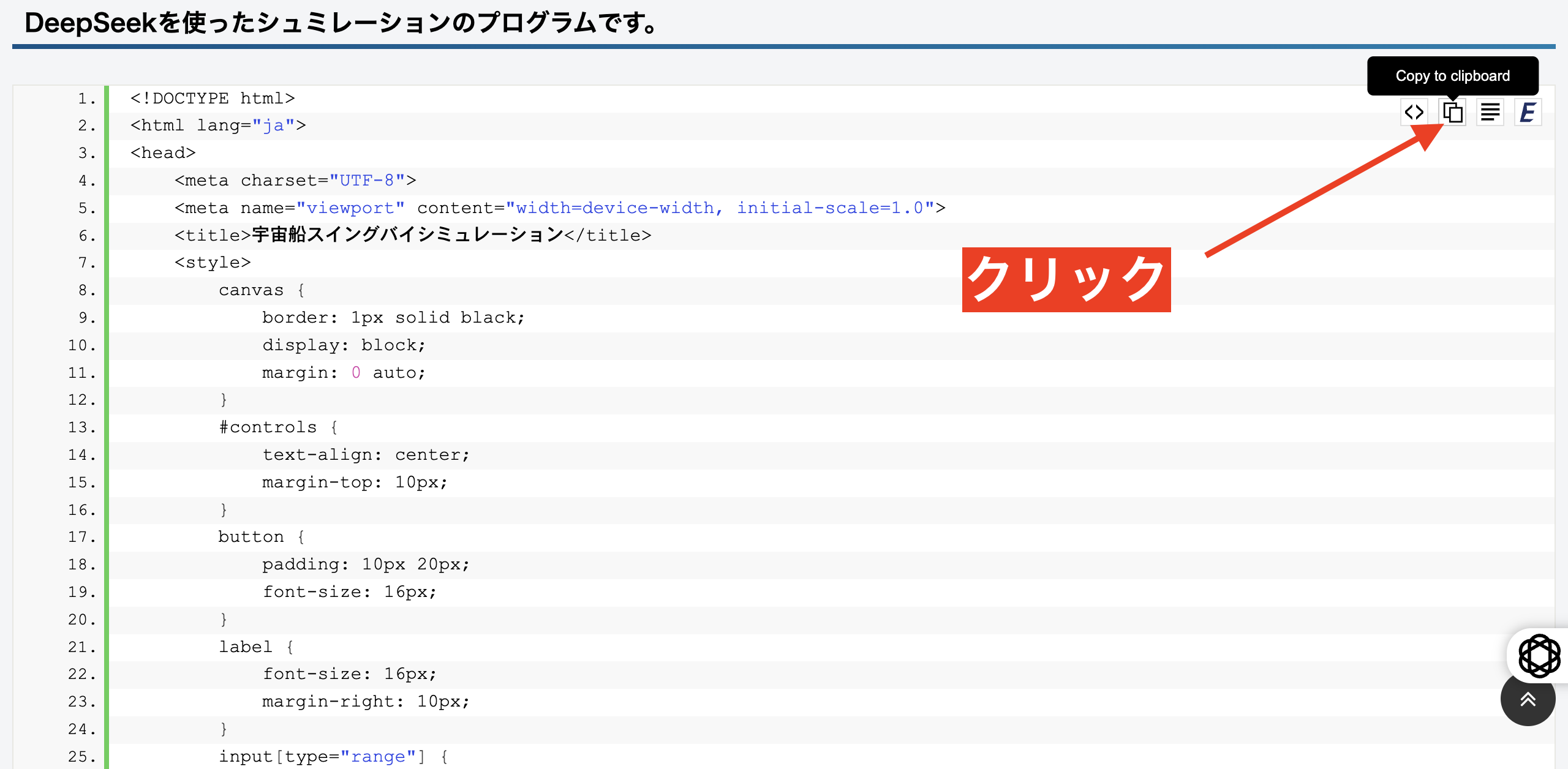
プログラムの上にマウスカーソルをおくとコピーアイコンがでます。
そこをクリックしてクリップボードにコピー
そこをクリックしてクリップボードにコピー
貼り付ける
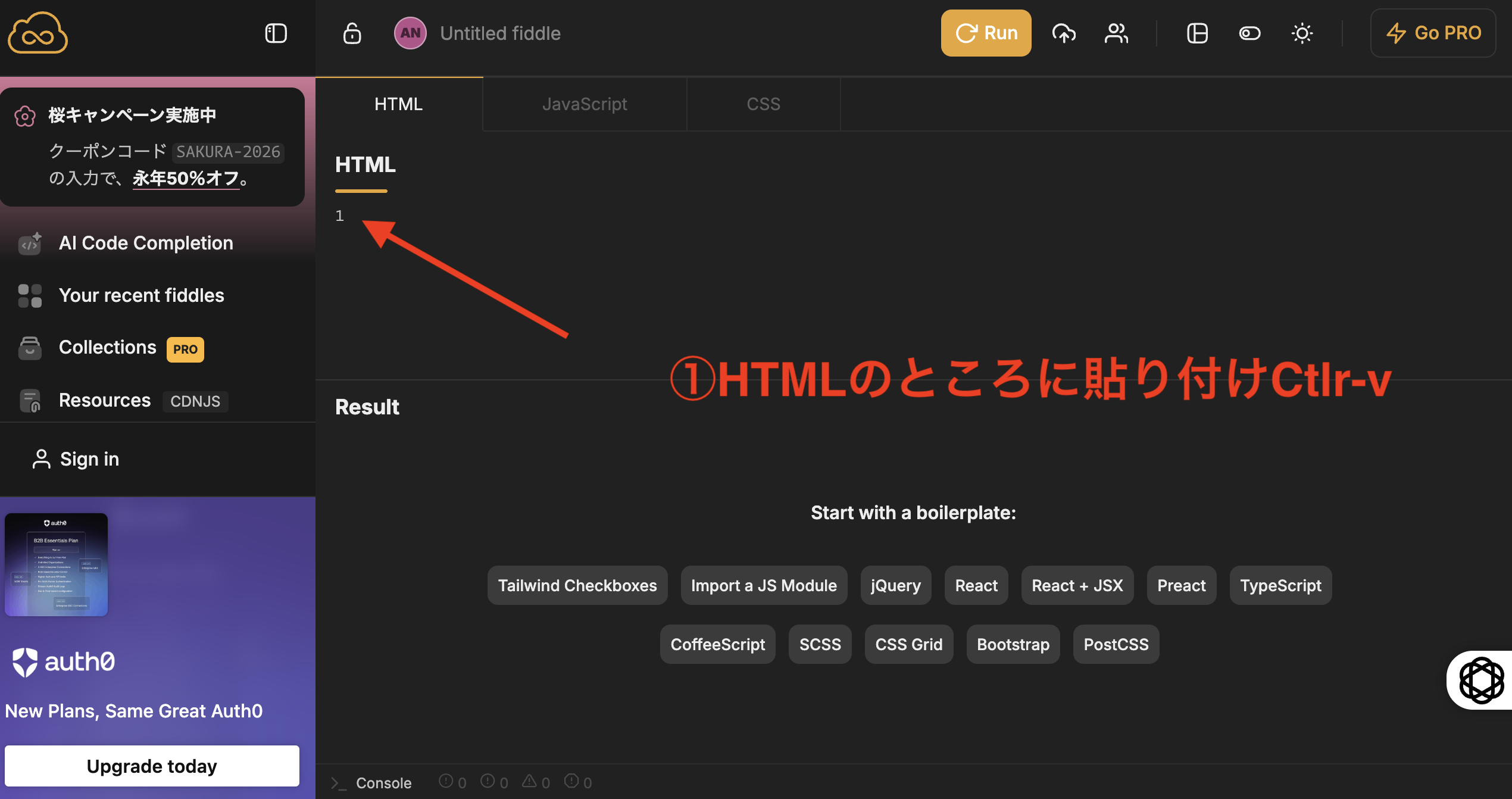
貼り付け完了
RUNをクリック
実行して下の画面がでます。
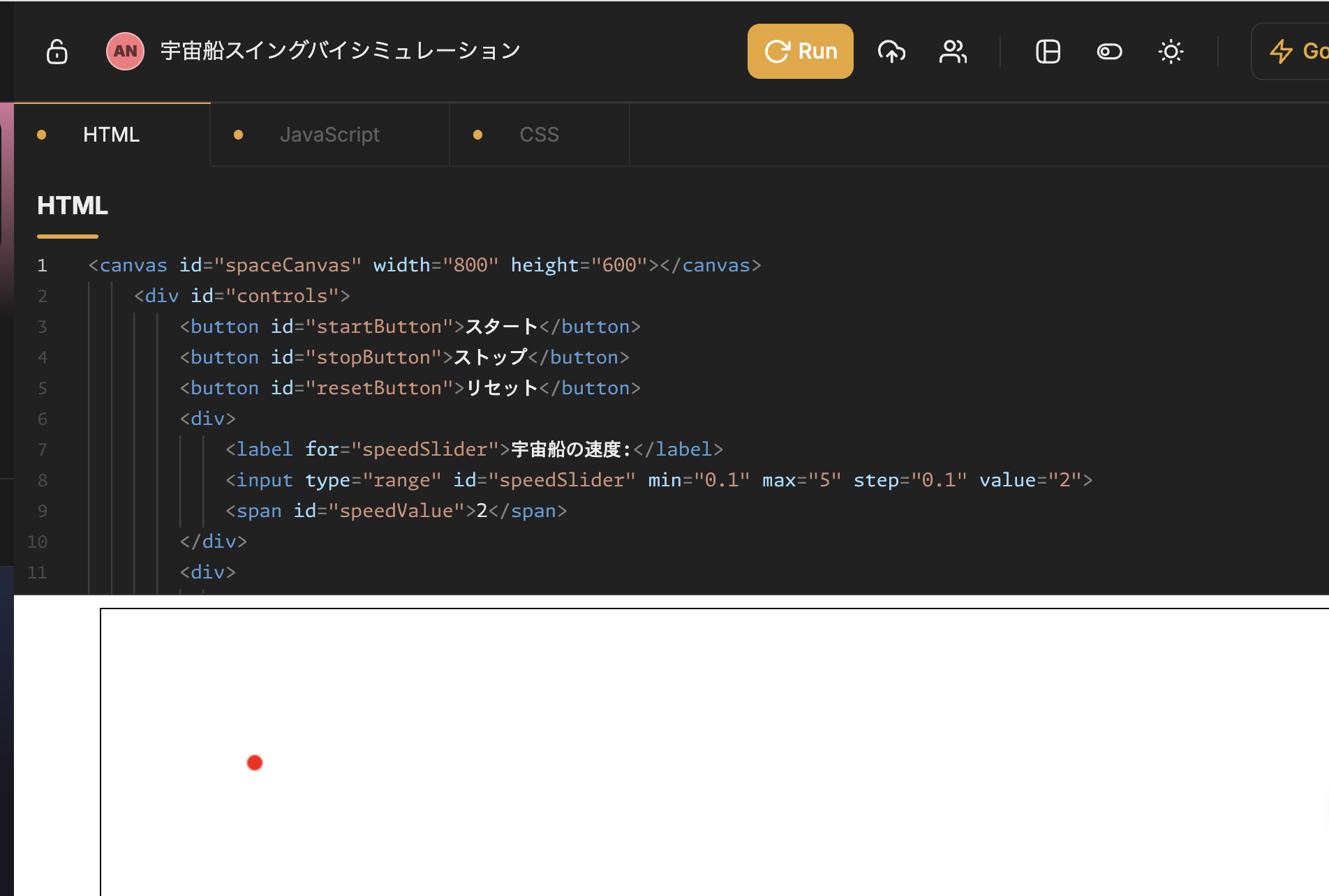
画面を大きくして全体を見えるようにします。
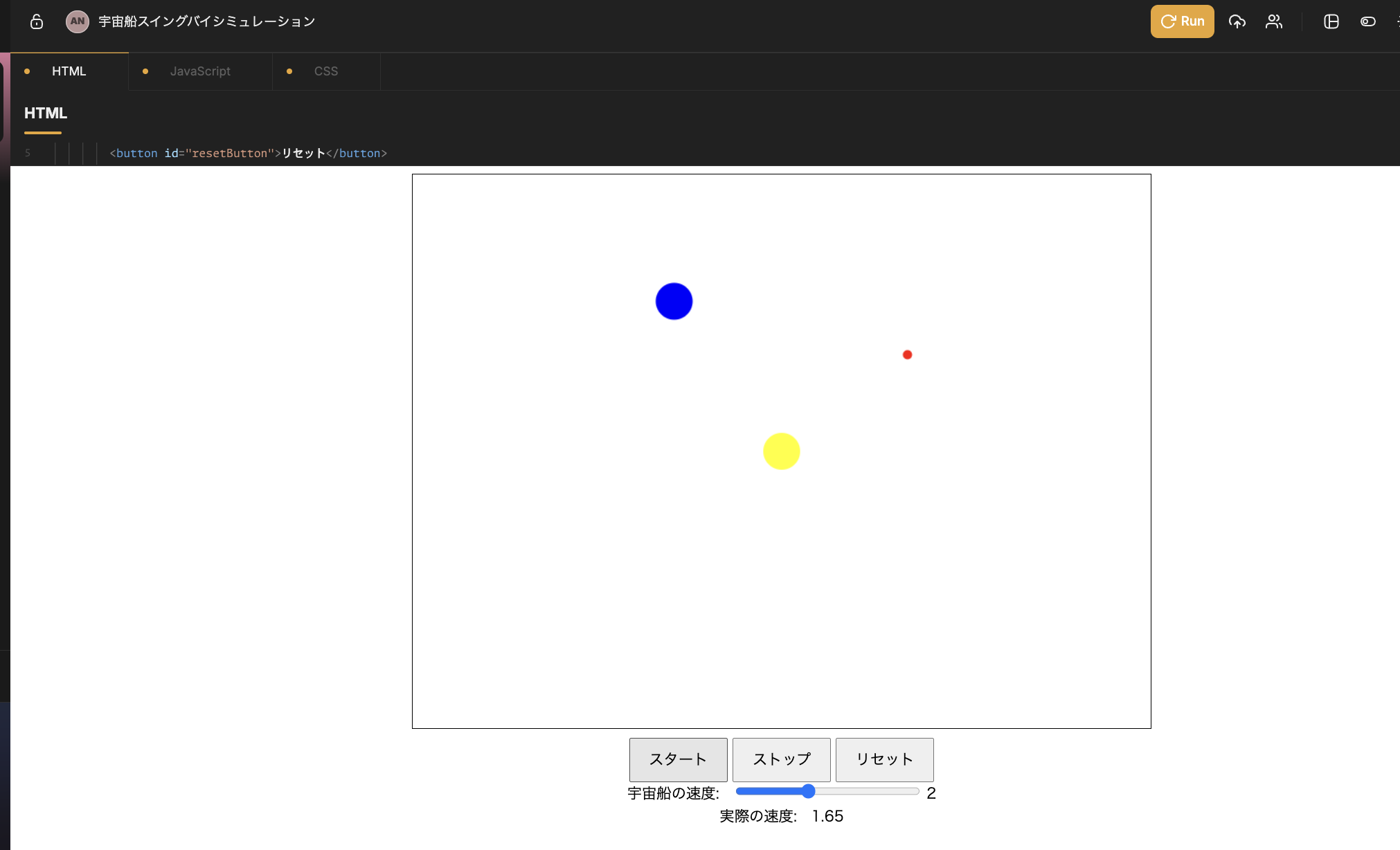
スタートボタンをクリックして動かしましょう。